Mermaid Timeline: Syntax, Examples & Templates
A timeline places events on a single axis: product milestones, company history, the phases of a plan. It answers “what happened, and in what order?” with the minimum possible syntax, which makes it the diagram you can write fastest from memory.
Basic syntax
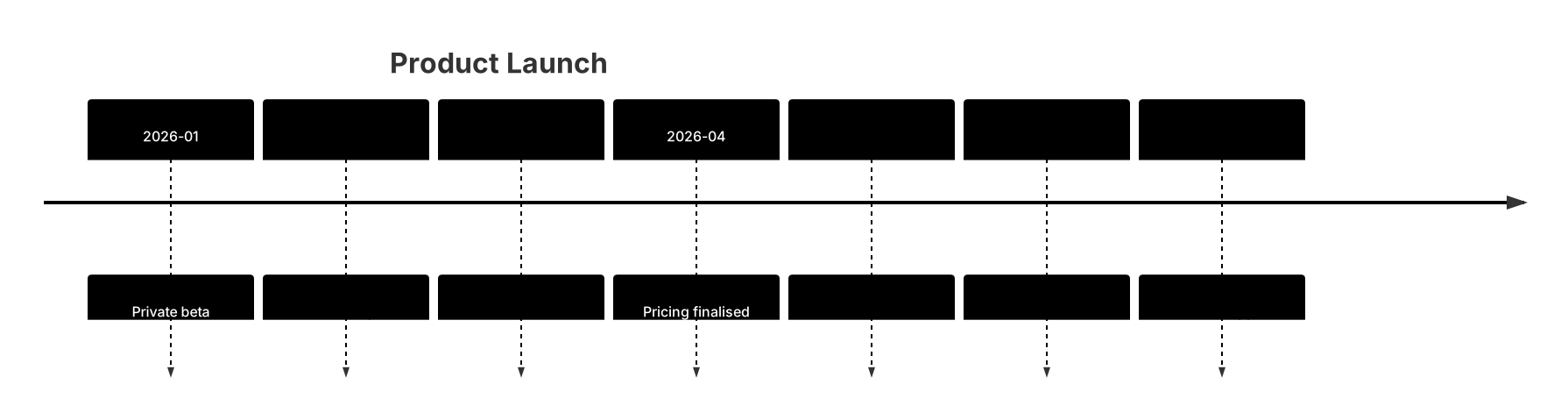
The declaration is timeline, followed by an optional title. Every other line is one period-event pair: 2026-01 : Private beta. The text before the colon is the period — a year, a month, a quarter, or any label you like — and the text after it is the event. Periods render as bold markers on the axis and events as entries beside them. There are no ids, no arrows, and no configuration lines; the whole diagram is declaration, title, and pairs.
Periods and events
Periods can be any granularity, and mixing granularities is legitimate when it tells the story better — a company history might use years while a launch plan uses months. Keep the ordering strictly chronological, because the renderer places lines in the order you write them and readers assume time flows downward. One event per period keeps the rhythm even; if a period genuinely has two things to say, write two lines with the same period rather than cramming both into one entry. Event text should be a noun phrase or short sentence (“Public beta”, “First paying customers”) — past-tense verbs also work well for retrospectives.
Common gotchas
The colon separator is required, and everything after the first colon is event text, so a colon inside the event is fine but a missing colon merges the period and event into one unparseable line. Periods are not parsed as dates — “Q1”, “2026-01”, and “Spring” are all just text — so there is no date validation to catch a typo like “2206”. Duplicate periods render as separate entries rather than merging, which is either a feature or a bug depending on intent. Finally, resist the urge to annotate: a timeline with a sentence per event is a document, and the discipline of six words per event is what keeps it scannable.
Tips for mobile editing
This is the easiest diagram to edit on a phone: every line is self-contained and short. Draft the periods first as a skeleton, render, then fill in events one line at a time. Keep events to a handful of words and push detail into the surrounding document. If the list grows past ten or twelve lines, split it into two timelines by phase rather than shrinking the font. The cheatsheet has the declaration and separator in one glance.
When events have durations and dependencies rather than just order, graduate to a Gantt chart; when the events are steps a person experiences, a journey map adds the emotional dimension.
Timeline templates
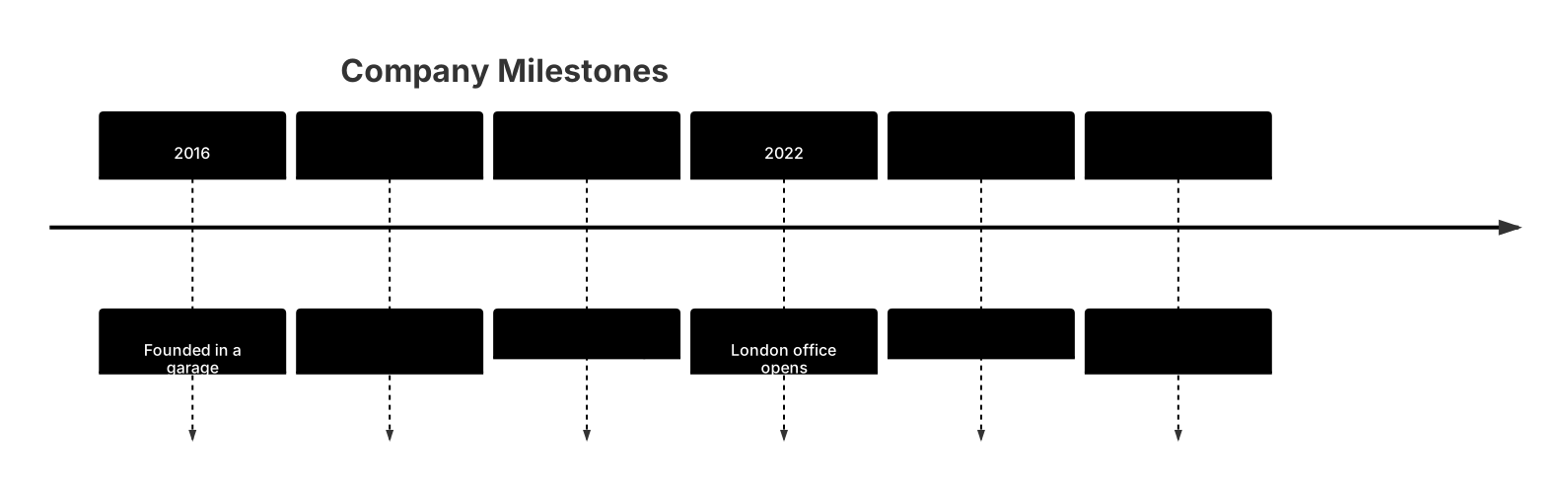
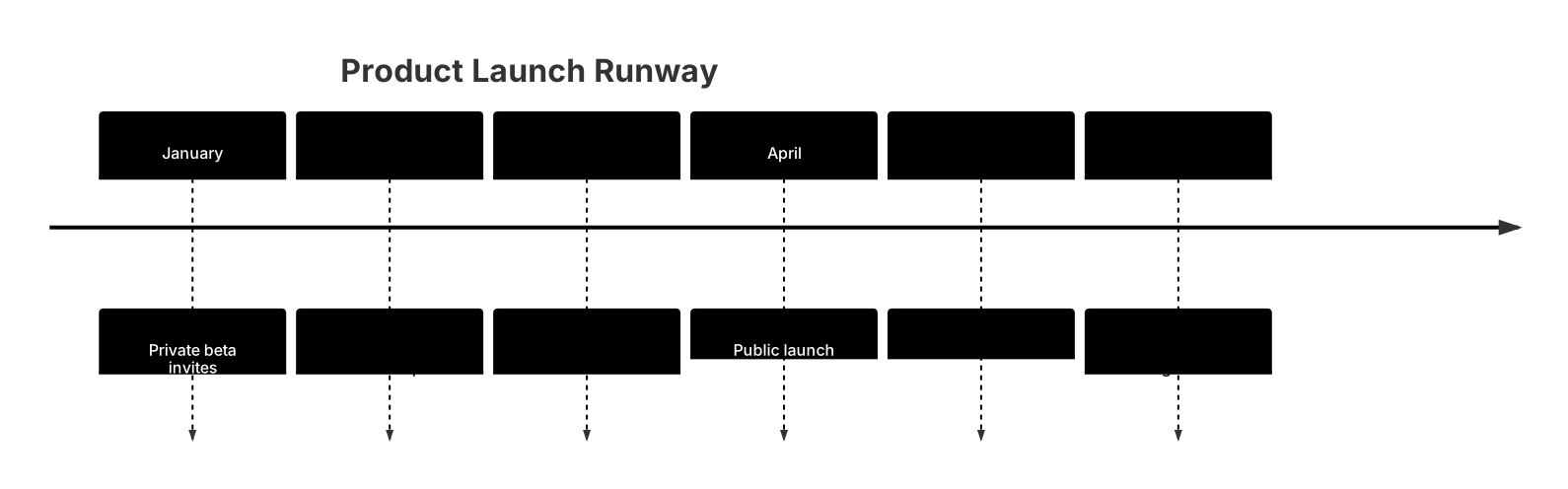
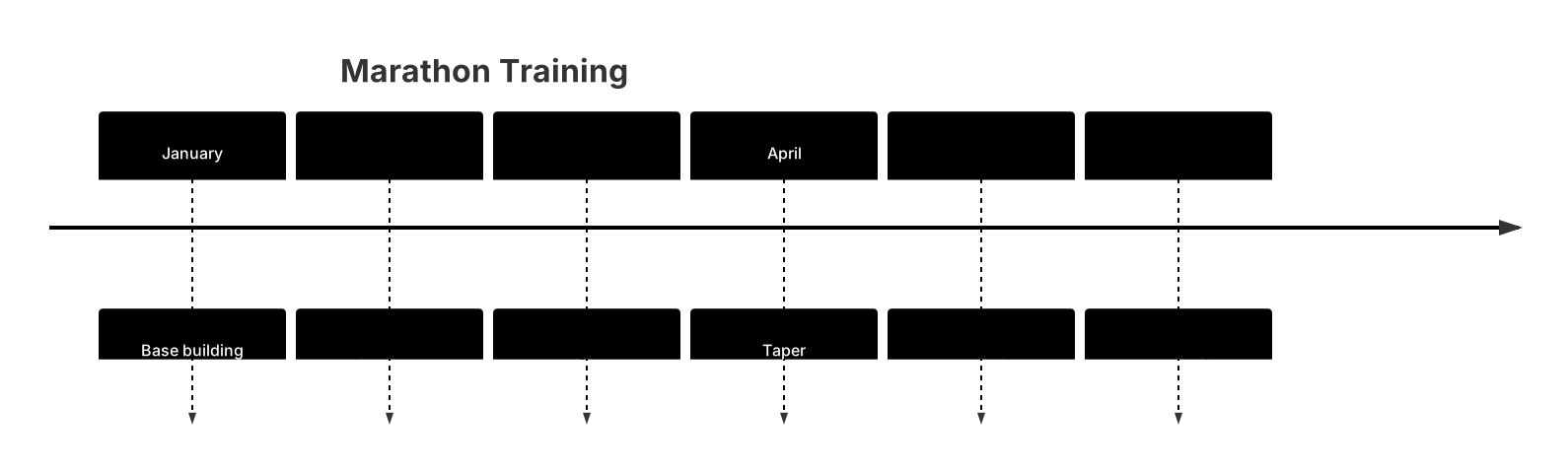
Every template opens in the editor with the code pre-filled — edit it on your phone or desktop.