Two-Week Sprint Gantt Chart
The code
gantt
  title Two-Week Sprint
  dateFormat YYYY-MM-DD
  axisFormat %b %d
  section Setup
    Backlog grooming :s1, 2026-03-02, 1d
    Sprint planning :s2, after s1, 1d
  section Build
    Checkout redesign :d1, after s2, 6d
    Payment integration :d2, after s2, 8d
    Bug backlog :d3, after d1, 3d
  section Wrap-up
    Regression testing :t1, after d2, 2d
    Sprint review :milestone, after t1, 0d
How this template works
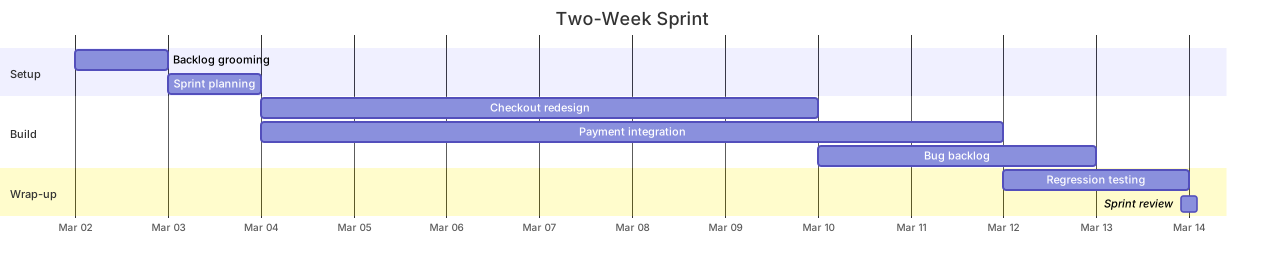
This template plans a two-week sprint the way most teams actually run one: a short setup phase, a build phase where two workstreams run in parallel, and a wrap-up that ends in a review milestone. It earns its place in sprint planning because it makes the parallelism explicit — the checkout redesign and the payment integration both start the day planning ends, and the chart shows immediately that the payment track is the long pole.
The syntax follows the standard Gantt skeleton. gantt declares the type, title Two-Week Sprint names it, and dateFormat YYYY-MM-DD with axisFormat %b %d set date parsing and axis rendering as in any Gantt on this site. Backlog grooming :s1, 2026-03-02, 1d anchors the chart to a real Monday; everything else chains from it. Sprint planning :s2, after s1, 1d follows. The parallel trick is the pair Checkout redesign :d1, after s2, 6d and Payment integration :d2, after s2, 8d: both reference the same predecessor, so Mermaid starts them on the same day and draws overlapping bars. Bug backlog :d3, after d1, 3d waits only for the redesign, not for payments — a second-level dependency that shows how chains branch. Sprint review :milestone, after t1, 0d closes the sprint with a diamond.
Two gotchas. First, durations are calendar days, not working days: a 6d task starting on a Thursday spans a weekend, and the bar will say so. Teams that care about business days either pad durations or pick start dates that keep work inside the week. Second, every task needs exactly one start reference — an absolute date or after someId — and a line with neither is the most common parse error in this diagram type. Remember also that after refers to the id, not the display name: renaming “Payment integration” changes nothing about the dependency, but deleting the id d2 breaks two lines at once.
To adapt it, change the anchor date, stretch durations to your sprint length, and add a section for code review or QA if that is a separate gate. If your team runs three parallel workstreams, give all three the same after target and let the chart show the contention.
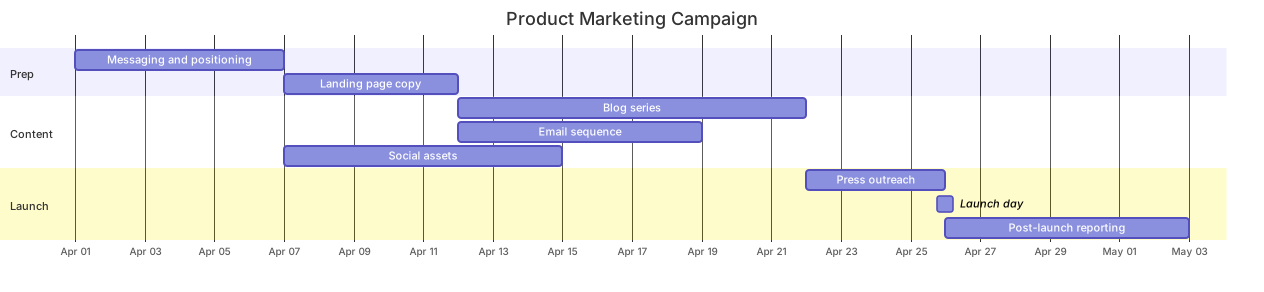
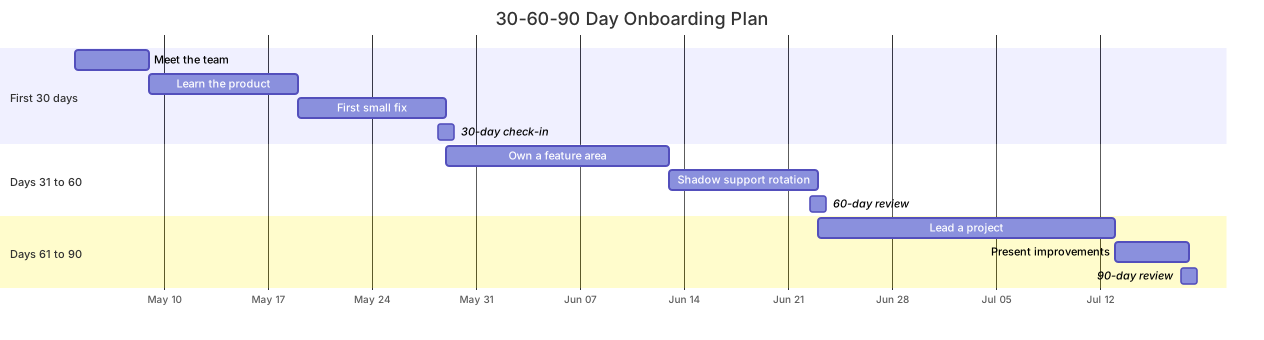
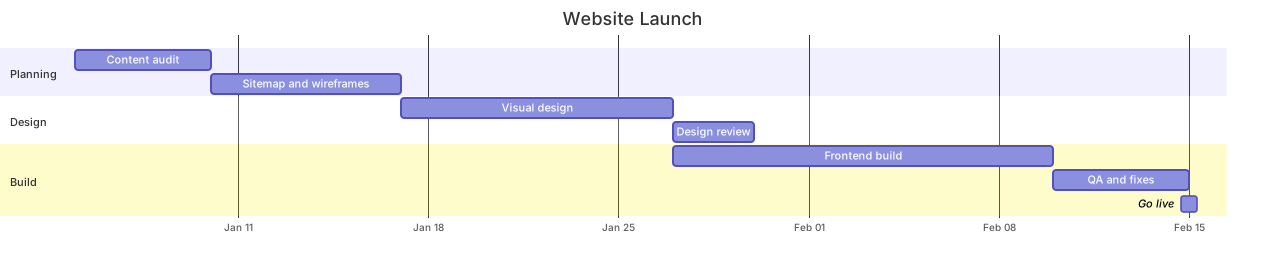
Related templates: the website launch plan for a longer dependency chain, the 30-60-90 day onboarding plan for people ramping rather than features shipping, and the marketing campaign plan for the go-to-market track. To break work down before you schedule it, pair this with the project WBS mindmap. Full reference: the Gantt diagram guide.
Variations to try
- Stretch the durations to 10d and 20d for one-month and six-week sprint cadences.
- Add a Code review section between Build and Wrap-up if review is a separate gate in your process.