Website Launch Gantt Chart
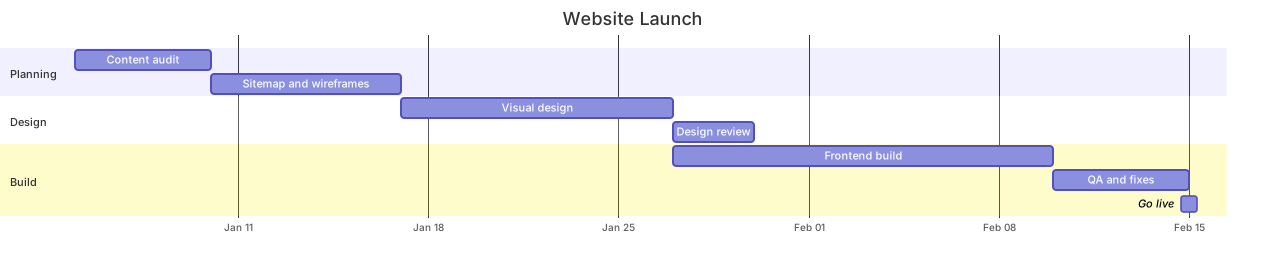
The code
gantt
  title Website Launch
  dateFormat YYYY-MM-DD
  axisFormat %b %d
  section Planning
    Content audit :a1, 2026-01-05, 5d
    Sitemap and wireframes :a2, after a1, 7d
  section Design
    Visual design :d1, after a2, 10d
    Design review :d2, after d1, 3d
  section Build
    Frontend build :b1, after d1, 14d
    QA and fixes :b2, after b1, 5d
    Go live :milestone, after b2, 0d
How this template works
A website launch is a chain of dependent work, and this template draws that chain the way a project manager needs to see it: three sections — Planning, Design, and Build — where every task starts the moment its predecessor finishes, capped by a zero-duration milestone that marks go-live. Use it when someone asks the question a Gantt chart exists to answer: when can we ship, and what slips if a date moves?
The syntax is worth reading line by line. The first line, gantt, declares the diagram type. title Website Launch names the chart. dateFormat YYYY-MM-DD tells Mermaid how to interpret every date you type in task lines, and axisFormat %b %d controls how dates render on the horizontal axis — %b is the abbreviated month, %d the day number. The section lines split work into labeled bands, which is what keeps a ten-row chart readable. Every task line shares the same anatomy: a display name, a colon, then comma-separated attributes. Content audit :a1, 2026-01-05, 5d gives the task the id a1, an absolute start date, and a five-day duration. Sitemap and wireframes :a2, after a1, 7d swaps the date for after a1, so the task starts the day the audit ends — that is how dependencies are encoded. Frontend build :b1, after d1, 14d reaches across sections, which is legal and often necessary. The final line, Go live :milestone, after b2, 0d, is a milestone: zero days long, drawn as a diamond, pinned to the end of QA.
The most common breakage is a date that does not match dateFormat. With YYYY-MM-DD declared, writing 01/05/2026 in a task line either fails to parse or lands in the wrong month, and the error message rarely points at the real line. Second, ids are global: reusing a1 in the Build section makes every after a1 ambiguous. Third, axisFormat uses strftime-style tokens, a different family from the dateFormat tokens — %b %d on the axis, YYYY-MM-DD in the source.
To adapt it, rename the sections to your real phases, adjust durations, and delete tasks you do not have. Two tasks that can run simultaneously should share the same after target. Open the template in the editor and edit dates directly — the chart re-renders as you type, so you can watch the critical path move.
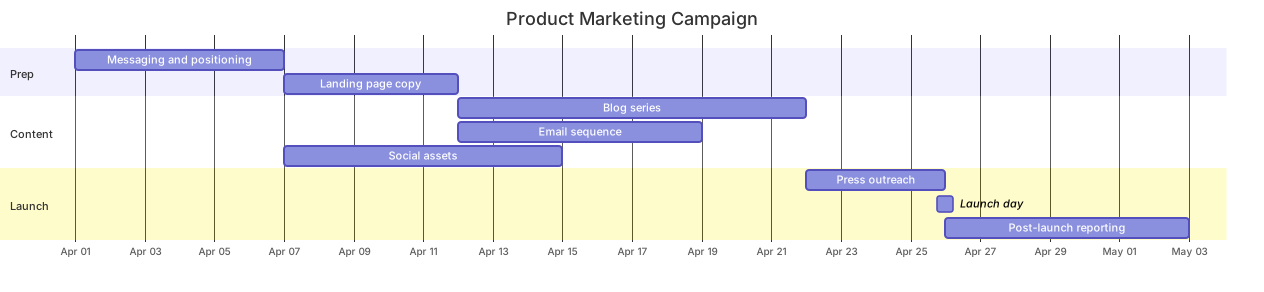
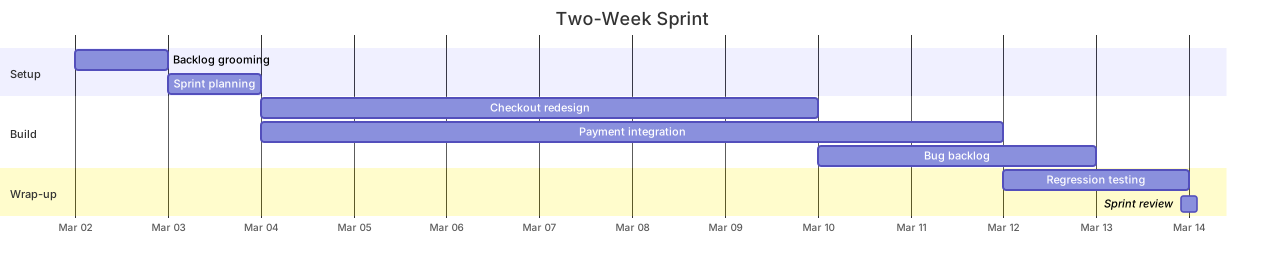
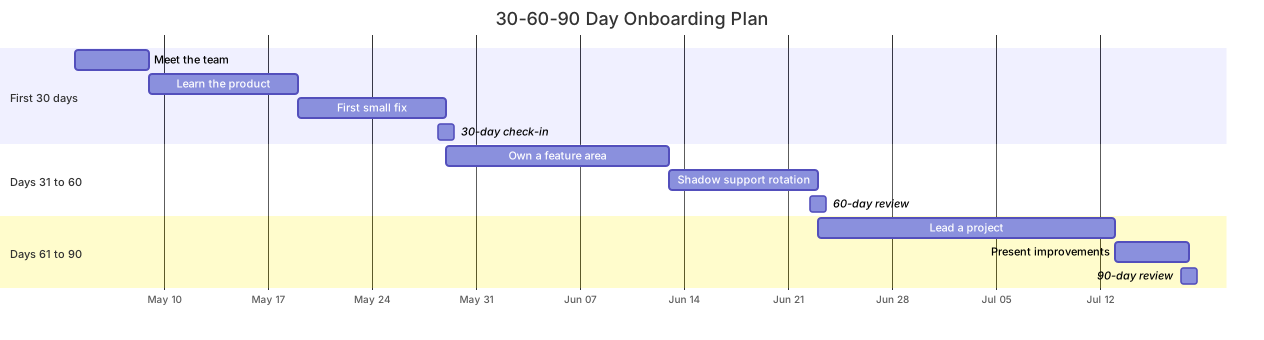
Related templates: the product sprint plan for a two-week delivery cadence, the marketing campaign plan for the promotional track that runs alongside a launch, and the 30-60-90 day onboarding plan for ramping a new hire. For month-level storytelling instead of day-level scheduling, see the product launch timeline. For the full syntax reference, see the Gantt diagram guide.
Variations to try
- Add a Content section between Design and Build for teams that write copy in parallel with design.
- Pin the milestone to a fixed calendar date instead of chaining it after QA when the launch day is immovable.